ON-SITE DIGITAL VAULTS

External Users
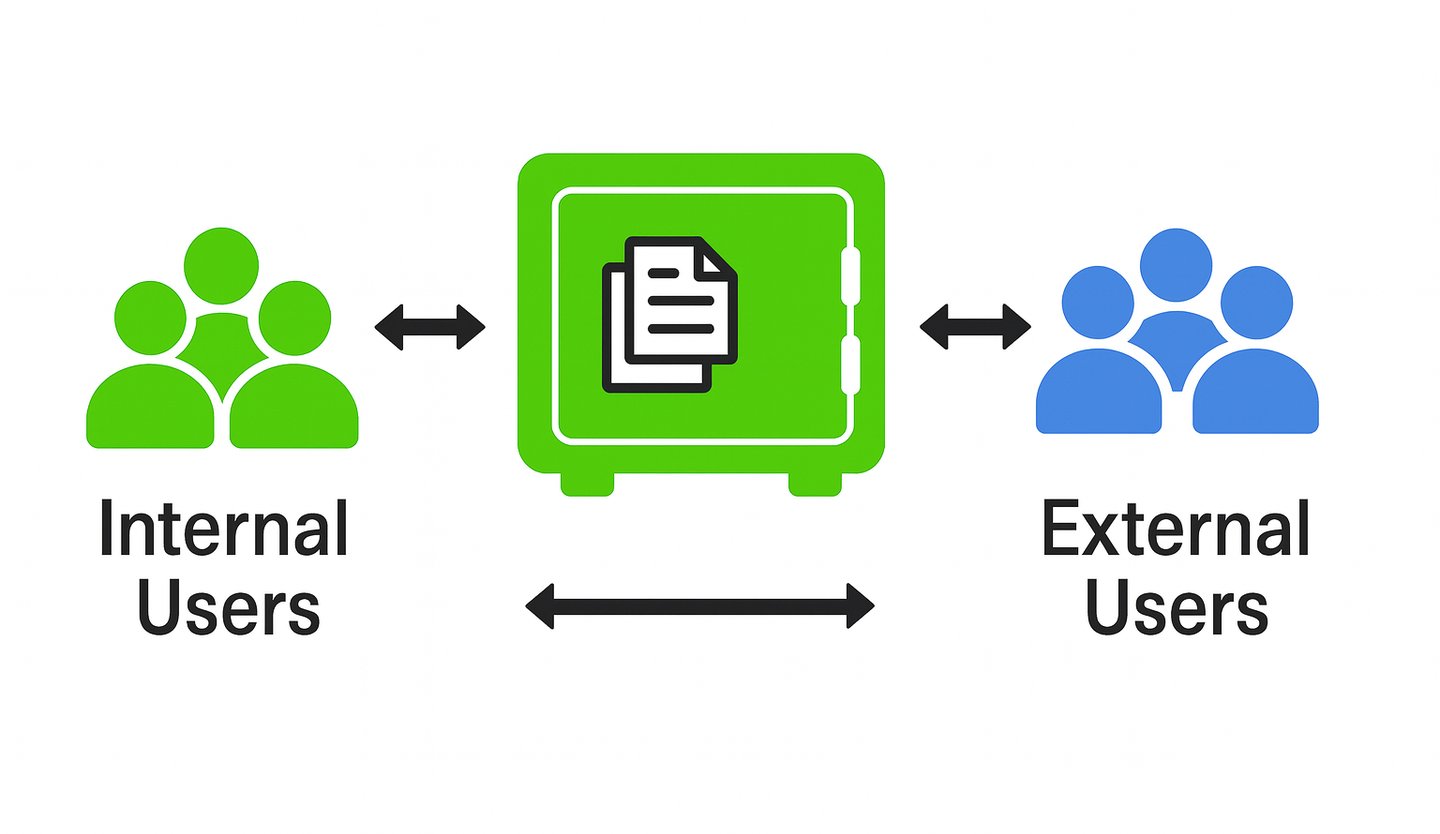
SecureAnyBox allows organizations to create users who are completely external to their internal directory systems.
How are External Users created?
They are defined only inside SecureAnyBox and do not need accounts in AD, Entra ID, eDirectory, or any other directory service. An internal Lead User or Admin User with the correct rights manually creates them.
Why use External Users instead of email, shared passwords, or separate channels?
Sensitive information is delivered inside a controlled vault environment, not through email or password-protected files.
The external user authenticates only to SecureAnyBox and only into the vault they were invited to.
No credentials, passwords, or secrets ever need to be transmitted outside the platform.
How does security and control work?
The hosting organization retains full control over what the external user can see.
Access can be revoked instantly without affecting any internal systems.
External Users still follow the Access Code security model, keeping data protected end-to-end.