ON-SITE DIGITAL VAULTS

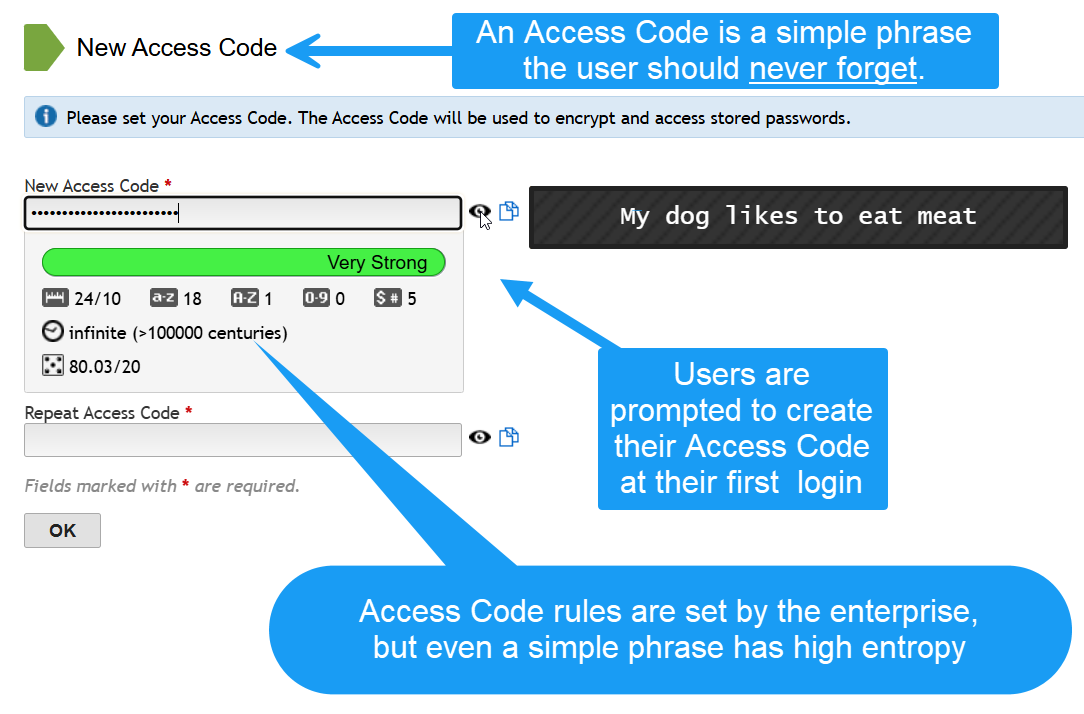
WHY: The Access Code creates a user-friendly second layer of security.
Exceptionally Secure Digital Vaults
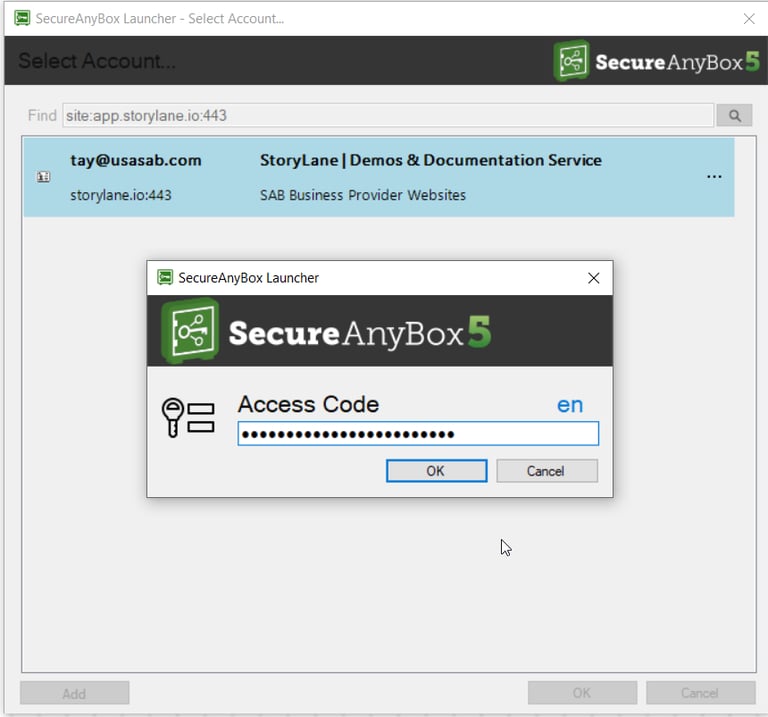
When a user authenticates to SecureAnyBox it does not leave the digital vault door wide open, so to speak. Users access each record in the vault via an extra layer of security called an Access Code, which is typically an easy-to-remember phrase such as: My dog likes to eat meat
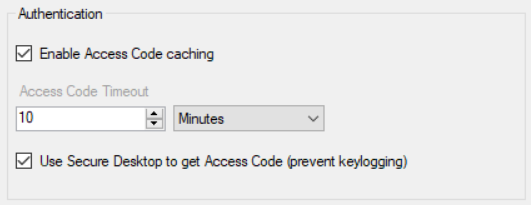
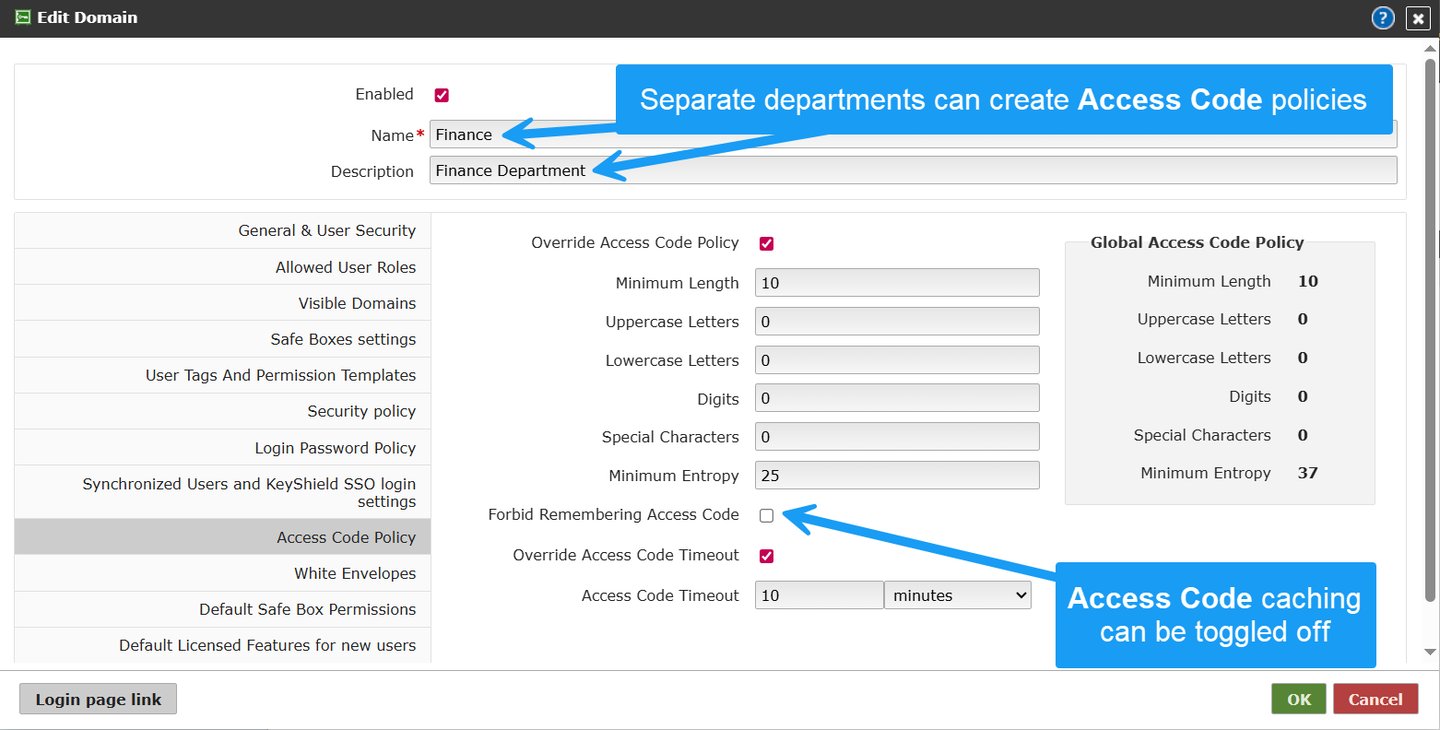
The IT department can configure the SecureAnyBox Client for Access Code caching according to an organization's security policies.
End-User Access Code Experience
[1.] A user's personal Access Code is created just once when a user first logs in and initializes their account
[3.] A user's personal Access Code is required to retrieve a credential record
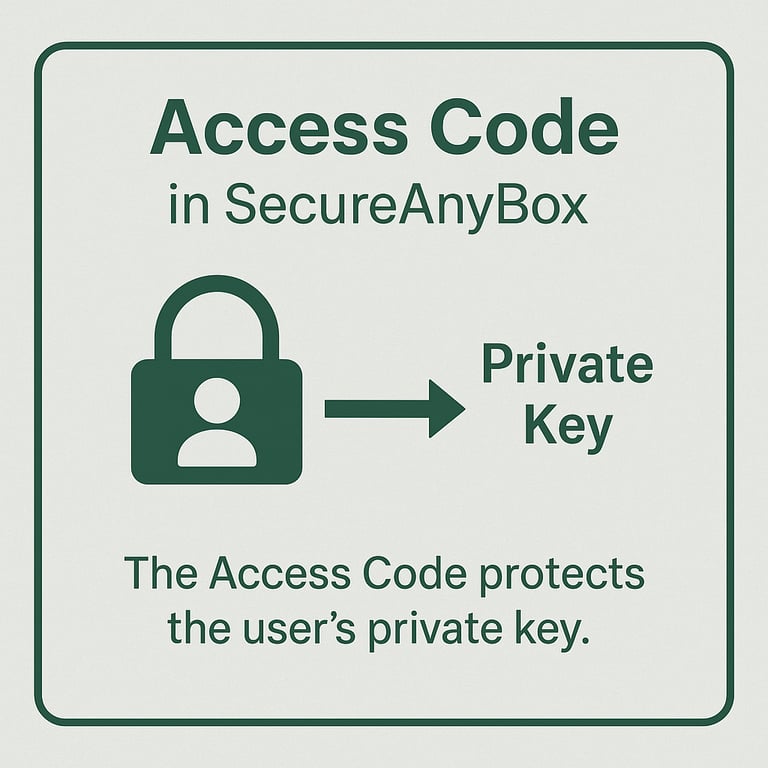
The Access Code protects a user's private key, and the system uses that private key to prepare secure access for each record a user has access to. Users are prompted for the Access Code for each record they access.
[A.] A user goes to a saved website and clicks on SecureAnyBox icon to retrieve credentials
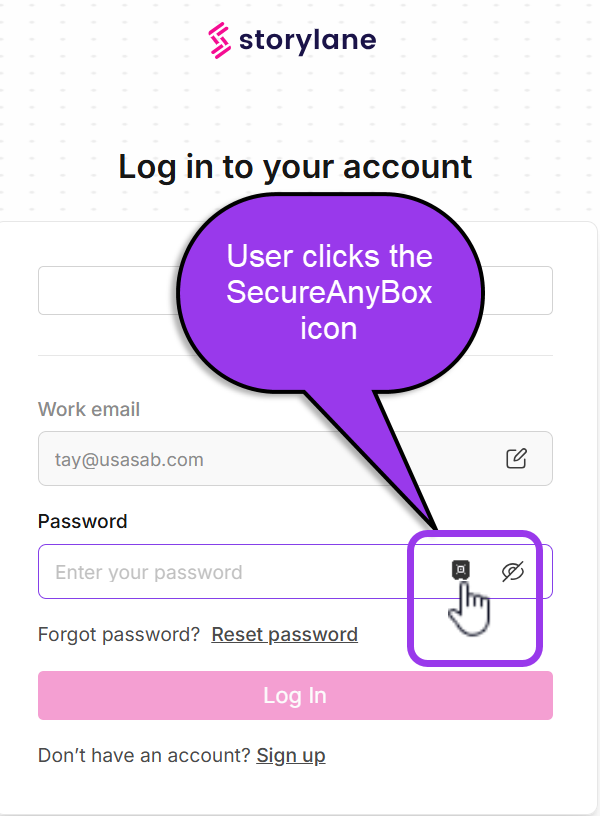
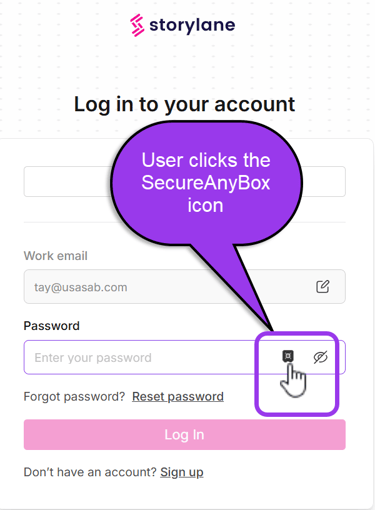
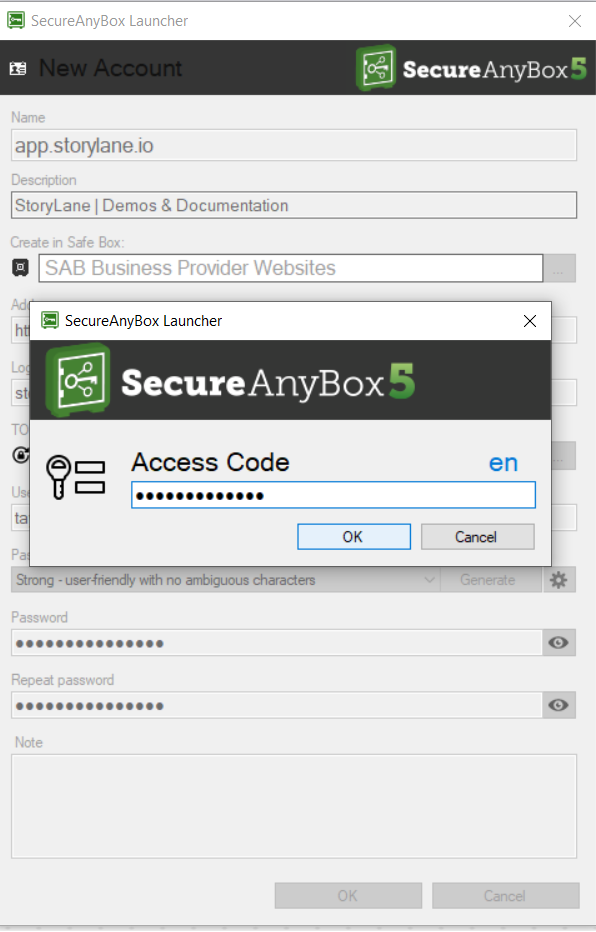
[B.] The SecureAnyBox client requests the user's personal Access Code
[C.] The credential fields are now populated
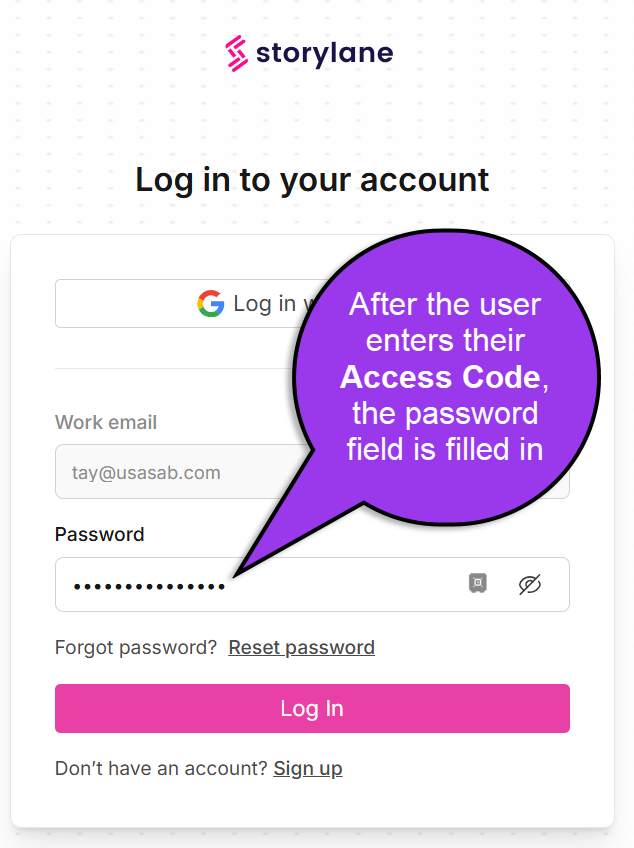
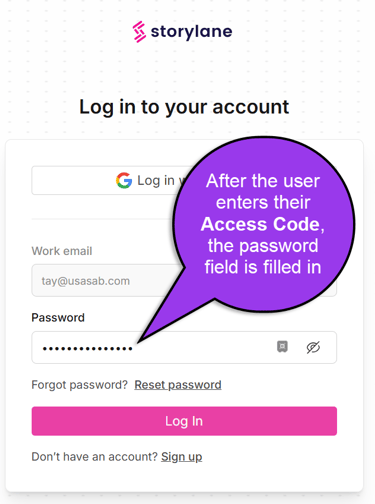
[2.] A user's personal Access Code is required to save a credential record
[A.] A user wants to save a new website's credentials in SecureAnyBox. They click the SecureAnyBox icon
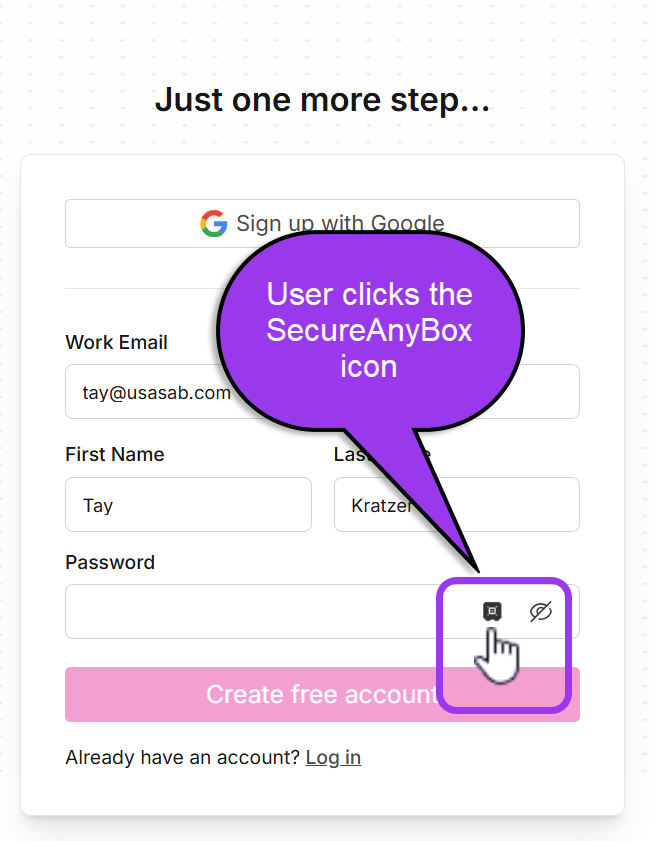
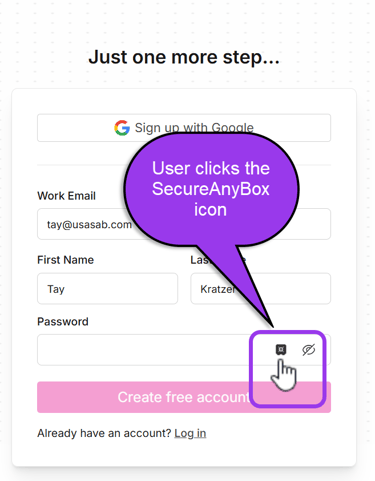
[B.] The SecureAnyBox client guides the user through adding the account to the SecureAnyBox vault(s) they have access to
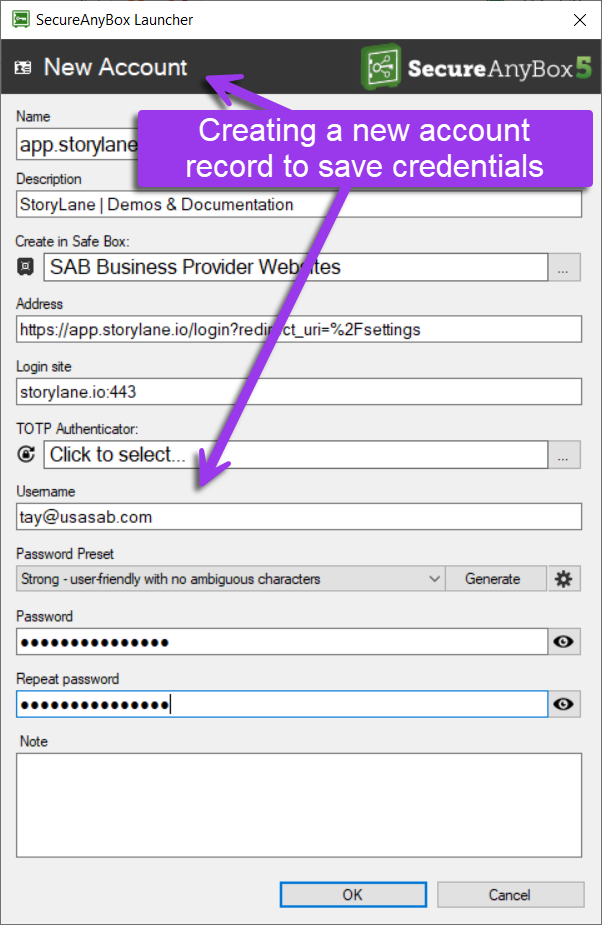
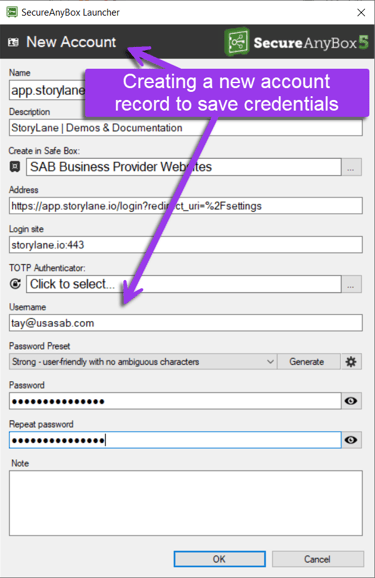
[C.] The user is prompted for their personal Access Code in order to confirm saving the new account to the vault